Exercise your mind before you scroll
Too much scrolling? Play five short games first
Set a Screen limit in Grandmind. When your daily time on the apps you choose is up, they lock until you finish five short brain games. Then they open until midnight.
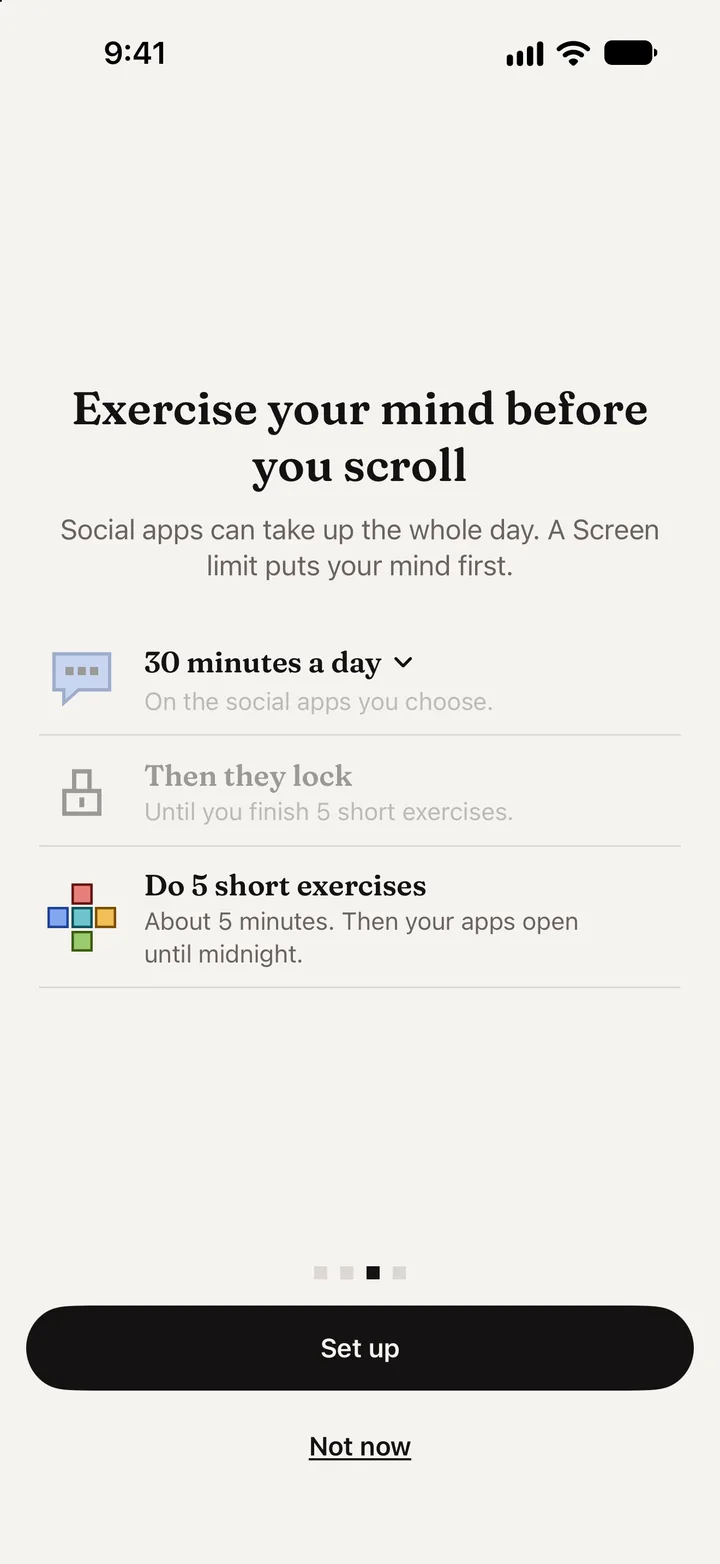
How Screen limit works
Three steps, set once.
1. Pick a daily time
Choose how long you want on the social apps you pick, like 30 minutes a day.
2. Then they lock
When the time is up, those apps lock until you finish today's five short exercises.
3. Play five games
About five minutes, one game from each area. Then the apps open until midnight.
Something better to reach for
Swap a scroll for five calm minutes.
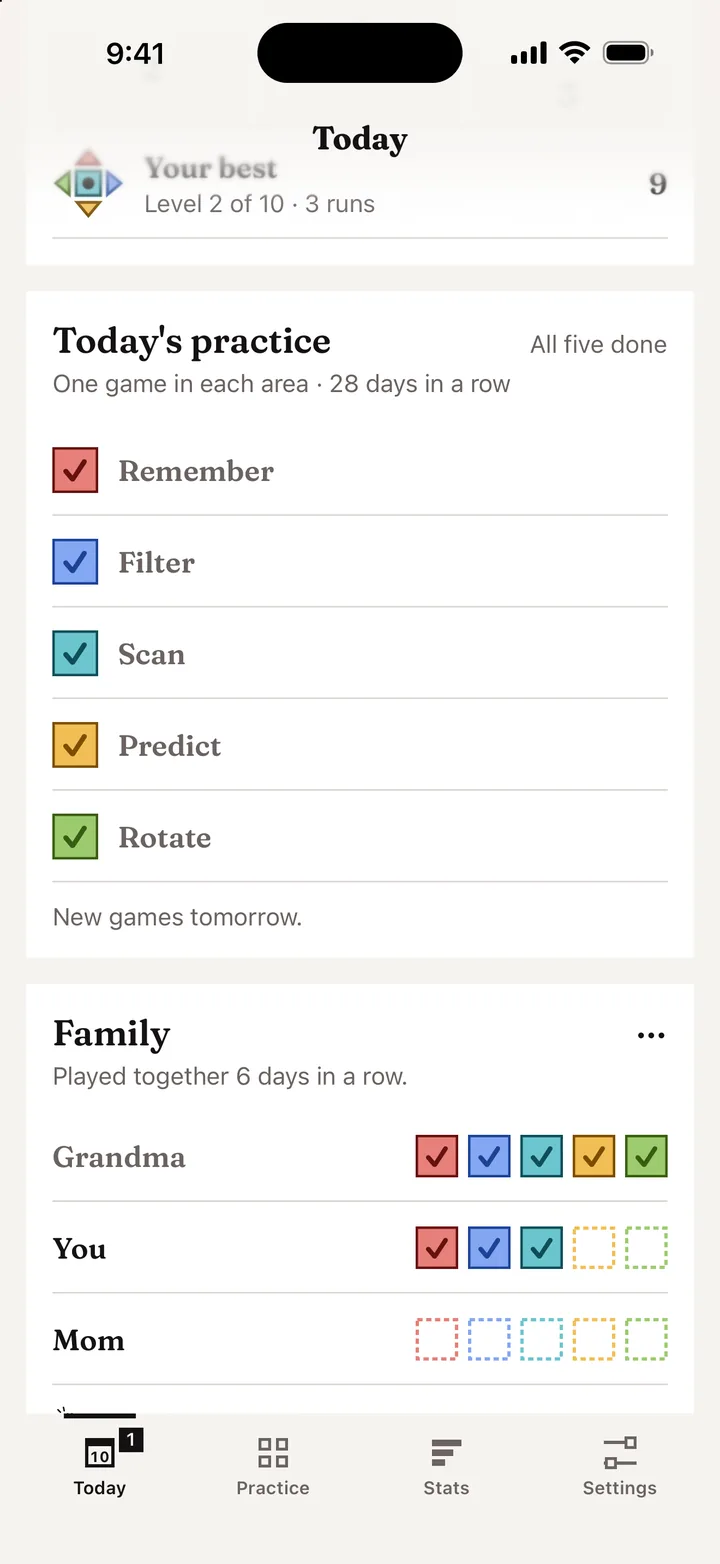
We made Grandmind because Grandma's days were slipping into endless scrolling. Screen limit turns the moment you reach for a feed into a few minutes of memory, focus, speed, logic and spatial games.
You choose the apps and the time. Screen limit uses Apple's Screen Time, and you can change or turn it off in Settings.
Questions
Screen limit
Which apps can I lock?
Any apps you choose, such as social media. You pick them with Apple's Screen Time picker.
What unlocks them?
Finishing today's five short games, one from each area. That takes about five minutes, and the apps then stay open until midnight.
Can I turn it off?
Yes. Change the time, the apps or turn Screen limit off any time in Grandmind's Settings.
Does Grandmind see what I do in other apps?
No. Apple's Screen Time handles the apps and the time. Grandmind never learns which apps you chose or how you used them. Read the privacy policy.